Finding a net
The dashboard is the front door. It lists every net on the instance, and you don’t need to sign in to look. An account is only required once you want to act (check in, chat, file traffic).
Reading the dashboard
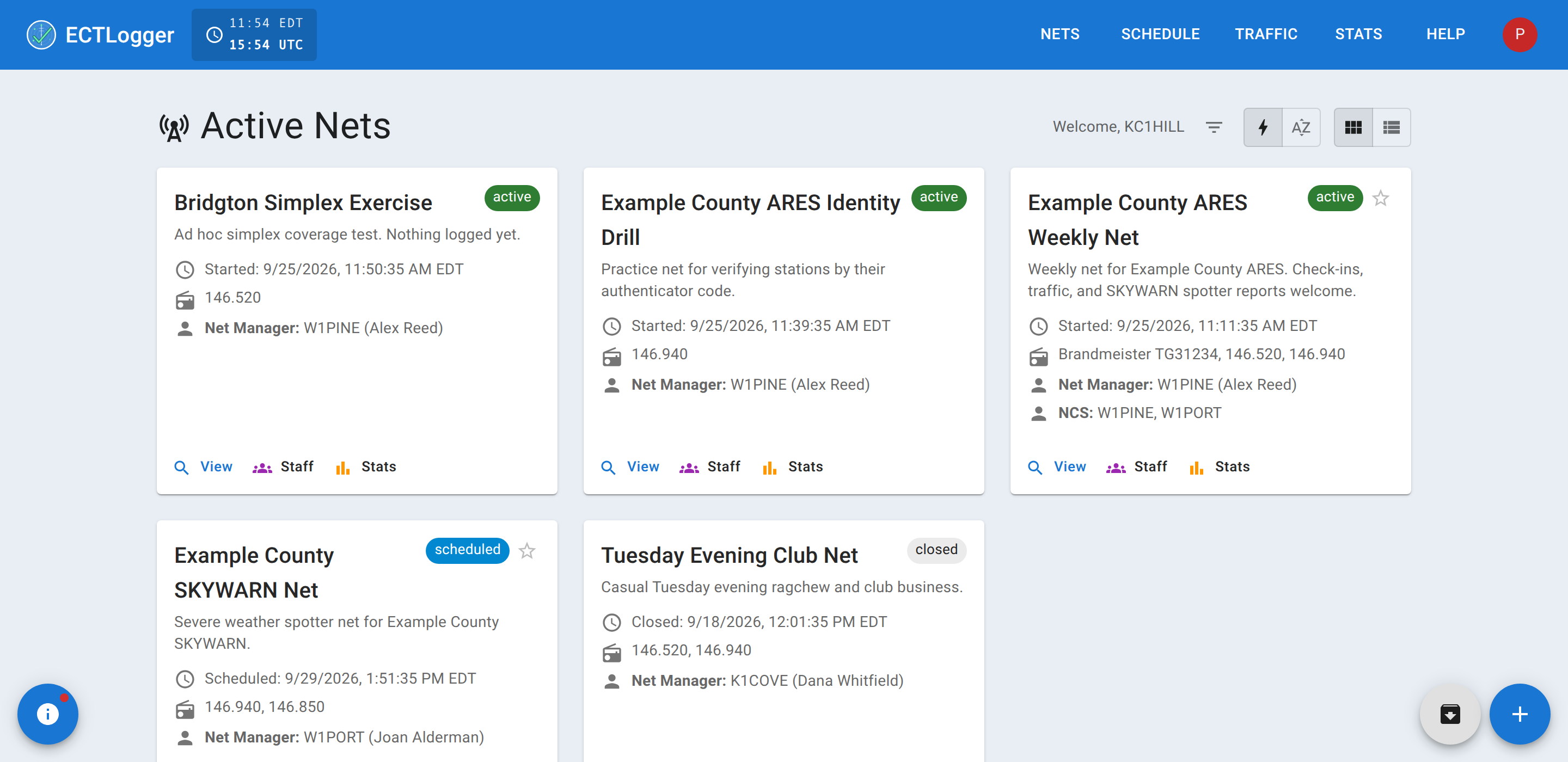
Each net shows as a card with a status chip:
- Active — happening right now. Check in.
- Lobby — the pre-net waiting room. Chat and check-ins are open, but the net hasn’t officially started counting yet — this is common in the minutes before a scheduled start, so early arrivals have somewhere to be instead of nothing to click.
- Scheduled — has a start time in the future.
- Draft — exists but has no start time set yet (a net someone is still setting up).
- Closed — finished, its log is final, but it’s still easy to find on the dashboard.
- Archived — closed and tucked away; see below.
- Cancelled — a scheduled or draft occurrence that was called off ahead of time rather than deleted, so it doesn’t quietly get recreated by the schedule.
By default, nets are sorted with Active and Lobby first (most recently started at the top), then Scheduled and Draft (soonest first), then everything else alphabetically. A search box filters by net name, description, or frequency, and by the net manager’s callsign or name. You can switch the sort to plain alphabetical order in your profile settings if you’d rather.
Landing on a net you haven’t joined
Open any Active or Lobby net and, if you’re signed in and haven’t checked in yet, a banner offers to check you in on the spot; see Checking in. You can dismiss it and just watch instead; nothing about viewing a net requires joining it.
Finding a net that already happened
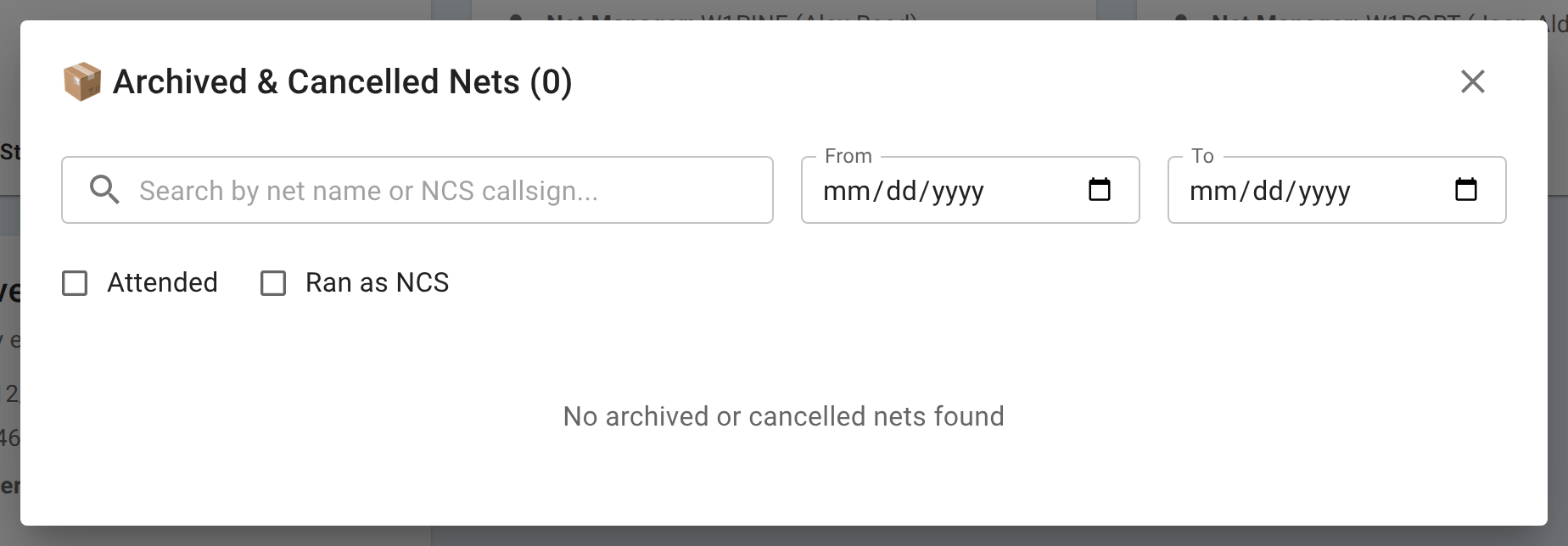
Closed and archived nets don’t disappear. Sign in, then click the archive icon (bottom right of the dashboard) to open a searchable list of every closed, archived, or cancelled net. You can:
- Search by net name or net manager callsign.
- Filter by a date range (From / To).
- Narrow the list to nets you personally Attended or Ran as NCS.
Opening a closed net still shows its full check-in list and report; you don’t need to have been there to read the log.
Starring a net you check into often
Click the star icon on a net card to favorite it. Favorited nets always sort to the top of the dashboard, ahead of even an Active net, so the one you show up to every Tuesday doesn’t get lost in a long list. This is remembered on the device and browser you set it in, not synced to your account, so it won’t follow you if you sign in from a different phone or computer. The star belongs to the net’s schedule, so starring tonight’s net keeps next week’s net from the same schedule at the top too.
Finding a net that runs on a schedule
Many nets aren’t one-off events. They run weekly, monthly, or on some other recurrence. Recurring nets are set up as a schedule (the net managers path covers creating one). You don’t need any special access to look at /scheduler and see what schedules exist and roughly when they next run; once ECTLogger auto-creates the next occurrence, it shows up on the dashboard the same as any other Scheduled net.
Where the numbers are
If you’re trying to find a net because you’re chasing a personal statistic, such as your check-in count or whether you’ve run a particular net as NCS, that’s covered on its own page: Your statistics.