Cancelling, archiving, and restoring
Three different actions live behind the trash-can icon on a net’s card, and which one you get depends entirely on whether the net has actually happened yet. All three are reachable from the dashboard, and all three can be undone.
Cancelling a net that hasn’t happened
A draft or scheduled net, one that hasn’t started, can be cancelled instead of deleted. This is deliberate: deleting the row outright used to make the recurring schedule think that slot had never been filled and quietly recreate it, reminder email and all. Cancelling marks the net Cancelled with an optional reason, removes it from the active dashboard, and keeps it on record in Archived Nets. The schedule will never recreate that specific occurrence on its own.
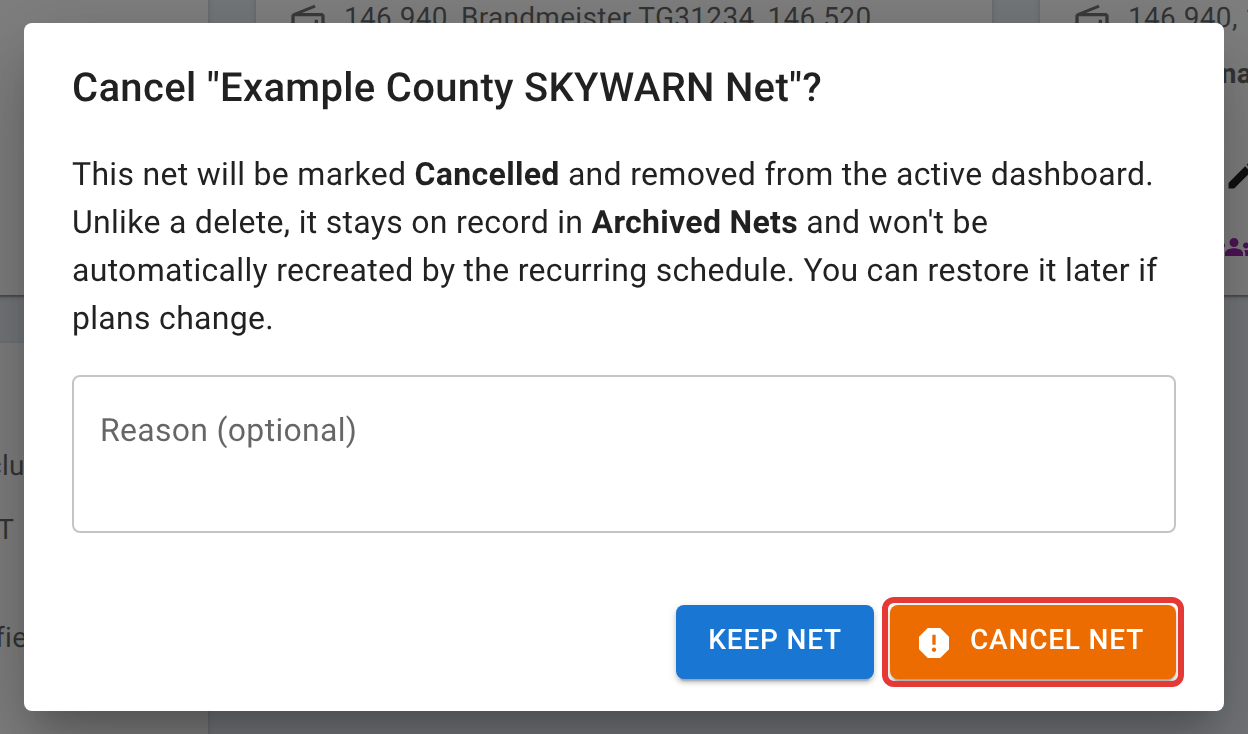
Restore puts a cancelled net back to Scheduled (if it had a start time) or Draft, clearing the cancellation, from the same Archived Nets list. If your plans change back, nothing about the cancellation is permanent.
Archiving a net that’s finished
A closed net can be archived to clear it off the active dashboard while keeping every check-in, chat message, and export exactly as it was. Archiving hides; it never deletes. Unarchive reverses it, putting the net back to Closed. If a net is still active or in the lobby when you decide you want it off the list, Close & Archive does both steps at once: it closes the net normally (the full log is still emailed as usual) and immediately archives the result.
Deleting
Deleting is the one option here that isn’t reversible, and it removes every check-in, every chat message, and every report tied to that net permanently. The net’s statistics go with it: it drops out of the schedule’s statistics and leaderboards and out of every operator’s activity history, and not even an admin can bring it back. You can delete a draft, closed, or archived net as its manager; the confirmation lists all of this before anything is removed. It’s offered as a deliberate alternative next to Cancel and Archive, not the default. If you only want a net off the active list, Cancel (for one that hasn’t run) or Archive (for one that has) keeps the record and gets you the same tidy dashboard.
Who can do this
The net’s manager, any administrator, whoever currently holds an active NCS role on that specific net, and, for a net created from a schedule, that schedule’s manager or an active co-manager.
Related
Finding a net once it’s archived or cancelled, from either side, is Finding a net. Getting the closing log, the ICS-309 Communications Log, and the full report out of a net before or after archiving it is Reports, ICS-309, and exports.