Scripts, notes, and announcements
Three pieces of text live around a net, and two of them share a name that means different things depending on where you’re looking. Getting the distinction straight now saves confusion later:
| What it is | Where you edit it | What the toolbar button is called |
|---|---|---|
| The net script | Edit Net’s Net Script tab, or Edit Schedule’s Net Script tab | Script |
| Standing announcements that apply every week | Edit Schedule’s Announcements tab | Announcements |
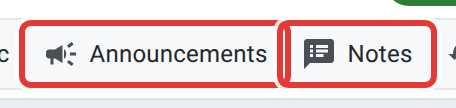
| Notes for this one night only | Edit Net’s Announcements tab | Notes |
That third row is the trap: the field is still literally called “announcements” on the net itself, and its edit tab is still labelled Announcements too, but the button that opens it during a live net is labelled Notes, and the panel it opens is titled “Net Notes.” Whatever you type in a net’s own Announcements tab is what “Notes” shows, not the schedule’s standing text.
The net script
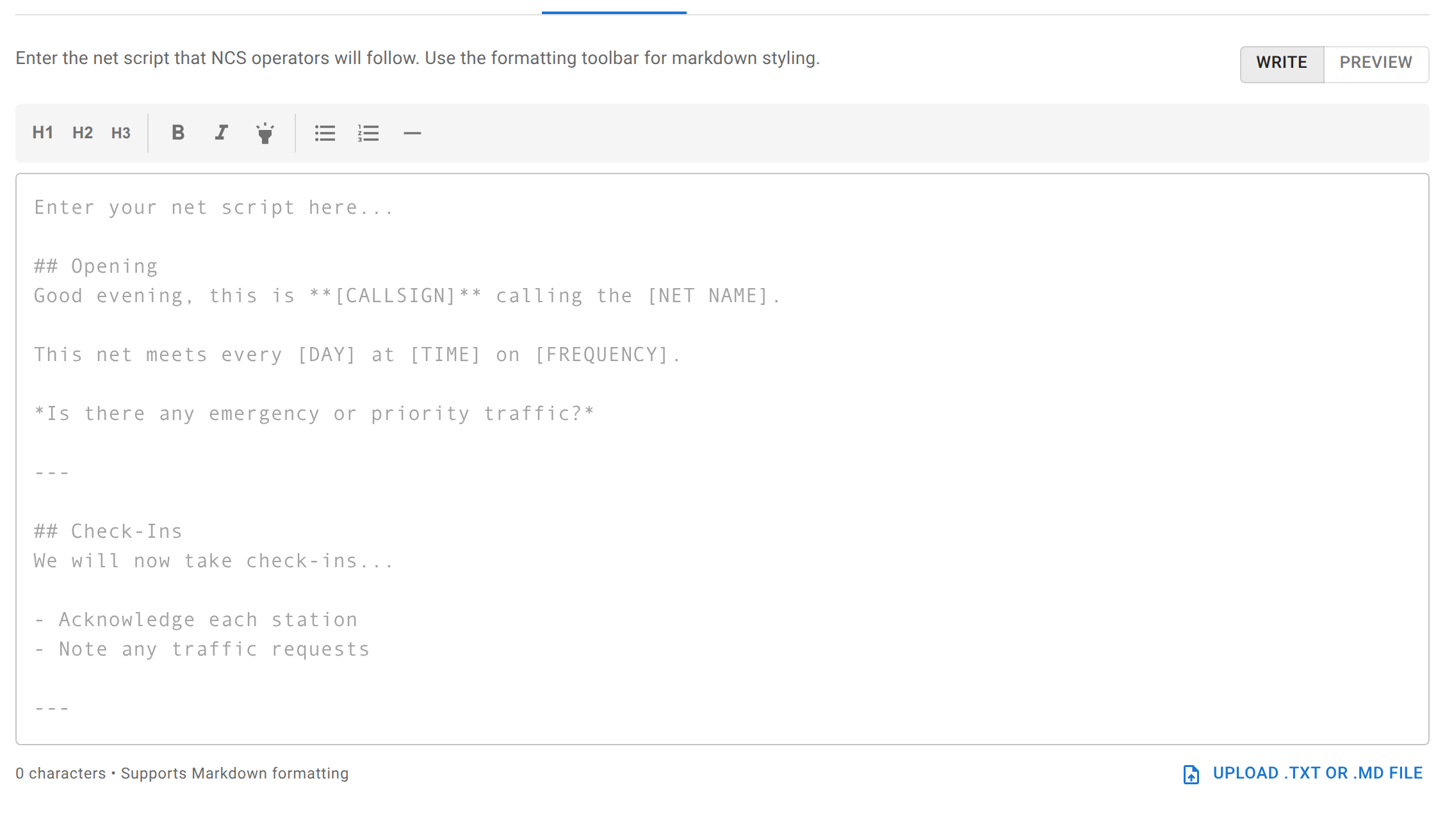
The script is the formatted text Net Control follows: an opening, how you want check-ins taken, a closing, whatever your net actually says out loud. Write it with the formatting toolbar (headings, bold, italic, highlight, lists, a horizontal rule) or drop in a .txt or .md file you already have. It supports a Write/Preview toggle so you can check the formatting before you’re reading from it live.
Set it on the schedule and every net that schedule creates starts with the same script; set it on one net and only that occurrence gets the change (unless you save it back to the schedule).
During a live or lobby net, the Script button in the toolbar opens it for Net Control to read from, and only appears once a script is actually set.
Standing announcements
The schedule’s own Announcements tab holds text that should show up every week without you re-typing it: club news, DMR network updates, upcoming exam sessions, reminders. During a net, the Announcements toolbar button shows this text to everyone watching. It appears once the first station has checked in.
Notes for tonight
A net’s own Announcements tab (opened live as Notes) is for something specific to this one occurrence (a detour, a special guest, a one-off reminder) without editing the schedule’s standing text. It’s visible to everyone watching the net, the same as the schedule’s announcements are, just scoped to tonight.
The printable version
The toolbar’s Paperwork button downloads a single PDF combining the net script and this net’s own notes, which suits a Net Control operator who wants a paper copy in hand instead of a second screen. It’s built fresh from whatever’s currently saved, so it always matches the net regardless of which panels happen to be open on screen. It does not include the schedule’s standing announcements. Those are a separate, schedule-level thing, and printing them is a matter of opening the Announcements panel and copying the text out.
Related
Which check-in fields, polls, and the topic of the week appear on a net are Creating a net. The check-in list’s own legend, including the “2nd NCS” and status icons that sit next to Announce and other statuses, is Station statuses.