Multiple monitors and wide screens
Running a busy net from a single laptop screen is a real constraint, and ECTLogger’s net view is built to spread across more room when you have it. Chat, the Activity Log, the check-in list, Map, Coverage, and Traffic can each be moved independently, and every one of them offers the same three moves.
The three moves
Every docked panel carries the same small row of controls in its header:
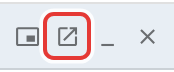
- Detach turns a docked panel into a draggable, resizable floating overlay that stays on top of the rest of the page, which suits pulling something out of the column layout without leaving the browser tab.
- Open in new window (the pop-out icon) goes further: it opens that panel in a genuinely separate browser window, running its own connection to the net, independent of the tab that opened it. Drag that window onto a second monitor and it keeps working there on its own. It doesn’t share state with the tab it came from; it just stays in sync with the net the same way any other connected viewer does.
- Minimize collapses a panel down to its header bar without closing it, and Close removes it from the layout entirely (for panels that have a genuine “not open right now” state, like Coverage and Traffic; Chat and the Activity Log are always present, so their only “put it away” move is detaching or minimizing).
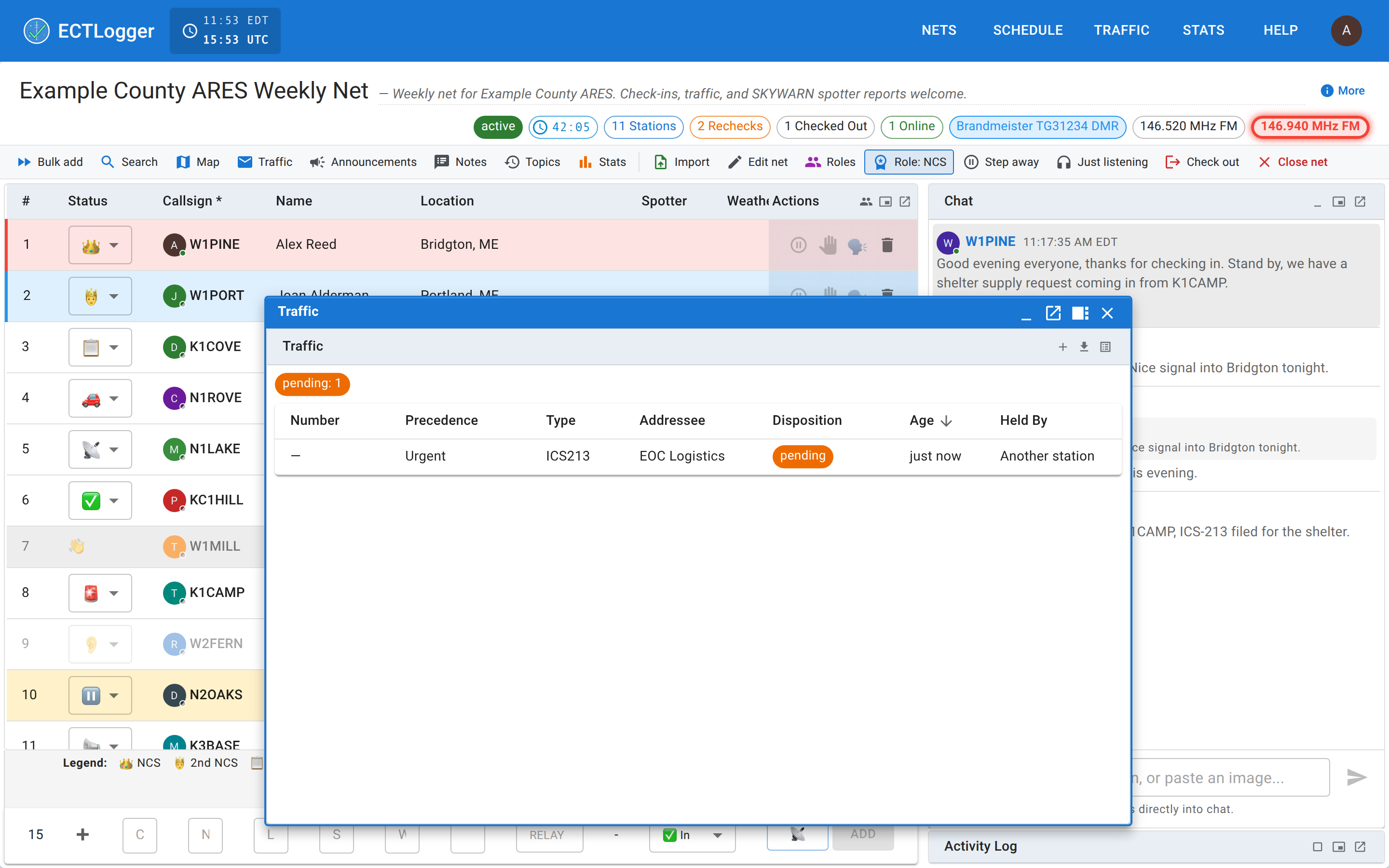
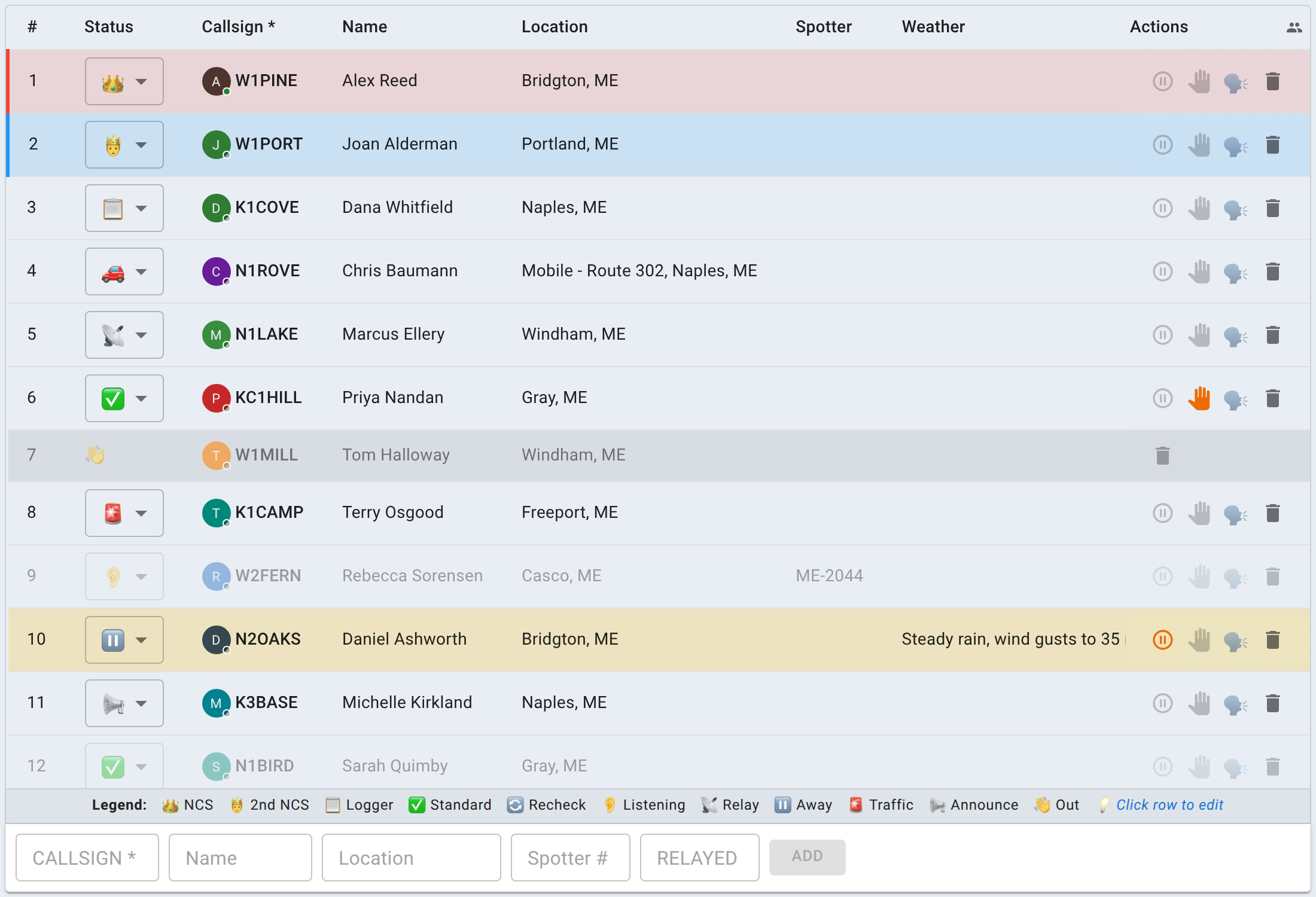
Every layout choice you make (what’s docked, what’s detached, what’s popped out, and each panel’s minimized state) is remembered per browser, so your desk looks the same the next time you open a net on the same machine.
On an ultrawide monitor
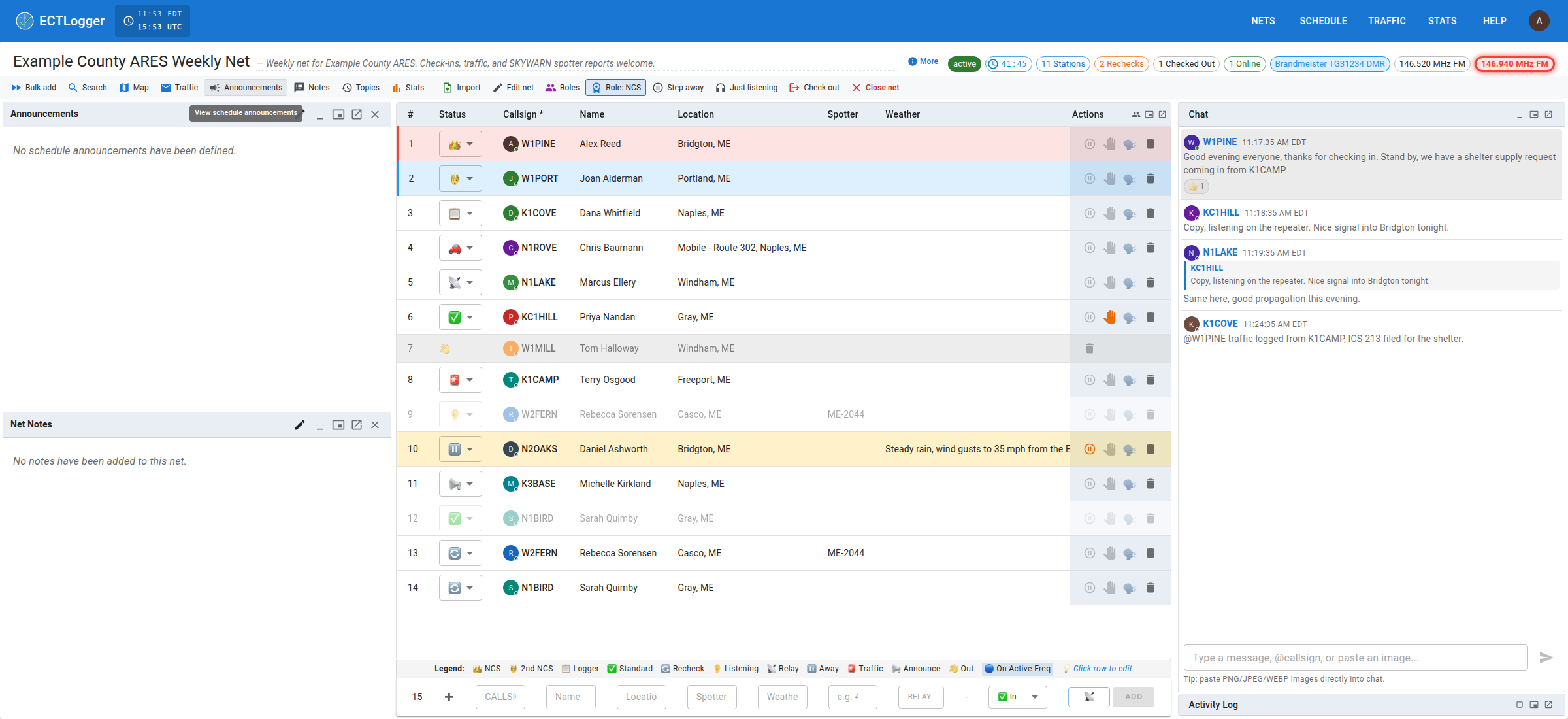
Past a certain screen width, a second column becomes available on the left side of the page for the net’s Script, Notes, and the schedule’s Announcements, alongside the existing check-in-list-and-Chat layout on the right. Below that width, those three stay exactly as they’ve always worked: on-demand floating panels you open when you need them, rather than a fixed part of the layout. Nothing about their content changes, only whether they get a permanent spot on a genuinely wide screen.
Next
Closing the net is the natural next stop once your desk is set up the way you want it for a live net.